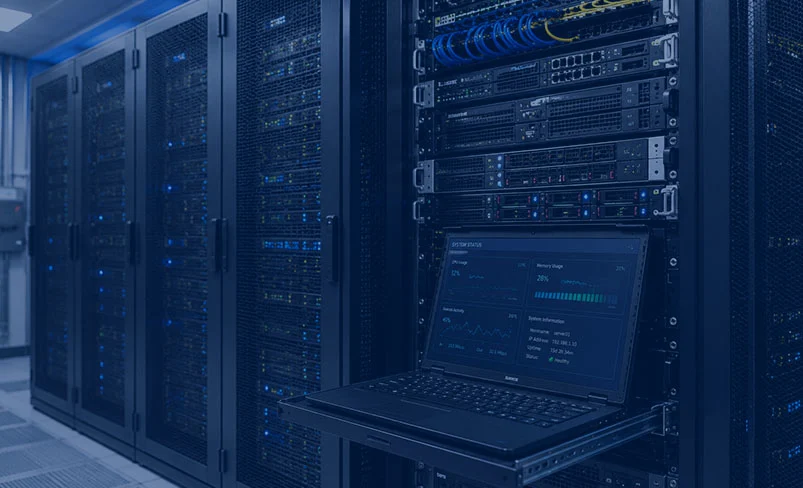
Server installation is an essential part of building a reliable and efficient IT infrastructure for businesses and organizations. A server is a dedicated system that provides important services such as data storage, application hosting, file sharing, database management, email services, and network resource management. Proper server installation and configuration help ensure better performance, security, reliability, and scalability.
The installation process begins with assessing the organization’s requirements and selecting suitable server hardware. Depending on business needs, organizations may choose physical servers, virtual servers, or cloud-based server environments. Physical server selection typically involves evaluating the processor, RAM, storage capacity, RAID configuration, network interfaces, and future expansion requirements. Selecting reliable and scalable hardware can help maintain consistent performance over the long term.
Once the hardware is prepared, the server operating system is installed and configured. Common choices include Windows Server and Linux-based operating systems. During this stage, administrators configure network settings, storage partitions, system accounts, permissions, and other essential settings. Proper configuration ensures that the server can communicate effectively with other devices and provide the required services.
After installing the operating system, the necessary server applications and services are configured according to the server’s purpose. For example, a web server may use Apache or Nginx, while a file server can be configured for secure file sharing. Organizations may also install database systems, application servers, domain controllers, email services, backup solutions, or virtualization platforms.
Server security should be implemented throughout the installation process. Firewalls, secure authentication, access controls, encryption, antivirus protection, and regular security updates help protect servers against unauthorized access and cyber threats. User permissions should also be carefully configured so that employees can access only the resources required for their roles.
Following installation, testing, monitoring, and maintenance are important to ensure reliable server operation. Administrators should monitor system performance, storage capacity, network activity, and security events. Regular software updates, automated backups, health checks, and disaster recovery procedures can help reduce downtime and protect important business data.
In conclusion, server installation requires careful planning, appropriate hardware and software selection, proper configuration, and strong security practices. A professionally installed and maintained server provides a stable foundation for business applications, data management, networking, and day-to-day operations.