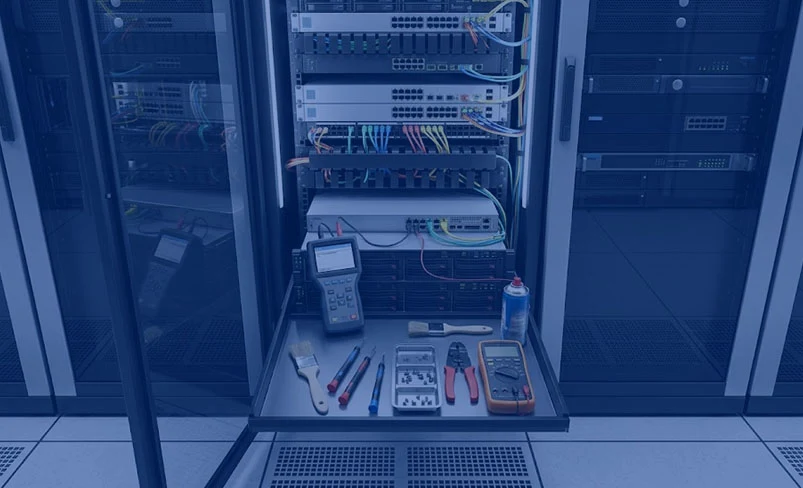
IT hardware maintenance is an important part of managing a reliable and efficient technology infrastructure. Regular maintenance keeps physical devices in good working condition, minimizes unexpected failures, improves system performance, and extends the lifespan of expensive equipment. Common IT hardware includes desktop computers, laptops, servers, storage systems, networking devices, printers, scanners, and other peripherals.
A key part of hardware maintenance is regular inspection and cleaning. Dust, dirt, and debris can accumulate inside computers, servers, and other equipment, restricting airflow and causing components to overheat. Cleaning cooling fans, vents, filters, and internal components helps maintain proper temperature levels and reduces the risk of hardware damage. Keeping equipment in a clean and well-ventilated environment also contributes to longer hardware life.
Hardware monitoring and diagnostics are equally important. Regular checks can help identify potential problems before they become serious failures. Diagnostic tools can monitor components such as hard drives, SSDs, RAM, processors, power supplies, and cooling systems. Monitoring network equipment, including routers, switches, and wireless devices, also helps ensure stable connectivity and reliable performance.
Keeping device drivers and firmware updated is another important maintenance task. Updated firmware and drivers can improve hardware compatibility, stability, performance, and security. IT teams should also maintain accurate records of hardware components, configurations, warranties, and replacement schedules to make maintenance easier and more organized.
Data protection and backups should also be included in a hardware maintenance strategy. Hardware failures can result in data loss, so important business information should be backed up regularly. Automated backups and reliable recovery procedures help organizations restore critical data and reduce downtime if a device or storage component fails.
Over time, some hardware components may require repair or replacement. Hard drives, SSDs, RAM, cooling fans, batteries, and power supplies can wear out with continued use. Warning signs such as unusual noises, overheating, frequent crashes, slow performance, unexpected shutdowns, or storage errors should be investigated promptly to prevent complete hardware failure.
In conclusion, regular IT hardware maintenance helps organizations maintain reliable, secure, and high-performing systems. Through routine inspections, cleaning, diagnostics, updates, backups, and timely component replacement, businesses can reduce downtime, avoid unexpected repair expenses, and extend the useful life of their technology infrastructure.